
Wix: install enrichment on your page
Place approved enrichment manually on an existing Wix page and verify the public HTML.
Exact-page Enrich on Wix is manual today. Keep your existing page and install the approved code through its structured-data controls or a server-rendered dynamic-page pattern.
Enrich an existing Wix page
Choose your page
Select the existing Wix page where visitors can watch the matching video.
Place the approved code
Use the page SEO structured-data controls or a suitable server-rendered pattern. Add source-backed visible context to the page body.
Publish and check
Publish the page in Wix and check its initial HTML. A draft-blog transport is not exact-page enrichment or proof the code is live.
Legacy connection reference
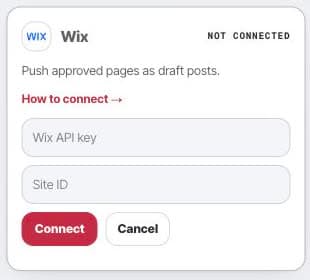
This older connection card describes the general publishing transport. It is not the setup for the existing-page installation explained above.
- Settings
- Connections
- Wix
After delivery
Your own CMS and deployment workflow remain responsible for the page. Do not treat a transport receipt, draft, or saved code as a verified live installation.