
Webflow: enrich an existing CMS item
Use portable enrichment code with an existing Webflow item and your collection template.
Exact-page Enrich is a manual or customer-owned installation today. Peithos supplies code for an existing Webflow item; it does not build a new page or automatically write the package into that item.
Enrich an existing Webflow page
Choose the existing item
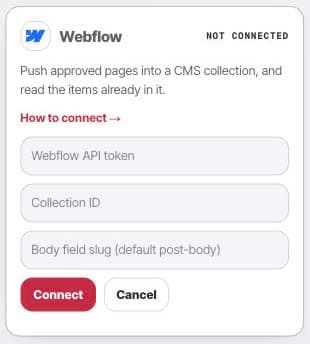
Choose the Webflow page and matching video. If you use the collection connection, a site API token and collection ID identify that collection.
Map the approved code
Use a collection field or template pattern that renders the approved code for that exact item. Add the matching visible context to the page.
Publish and verify in Webflow
Publish through Webflow, then check the public page source, video, and installed code. A saved CMS draft does not prove public placement.
- Settings
- Connections
- Webflow
After delivery
Your own CMS and deployment workflow remain responsible for the page. Do not treat a transport receipt, draft, or saved code as a verified live installation.